Menu bar
Always there.
Never in the way.
A tiny focus tank that drains as you work, breathes with you, turns green on breaks and blinks red in overtime.
A focus timer so calm and so considered, you'll actually want to start the next twenty-five minutes.
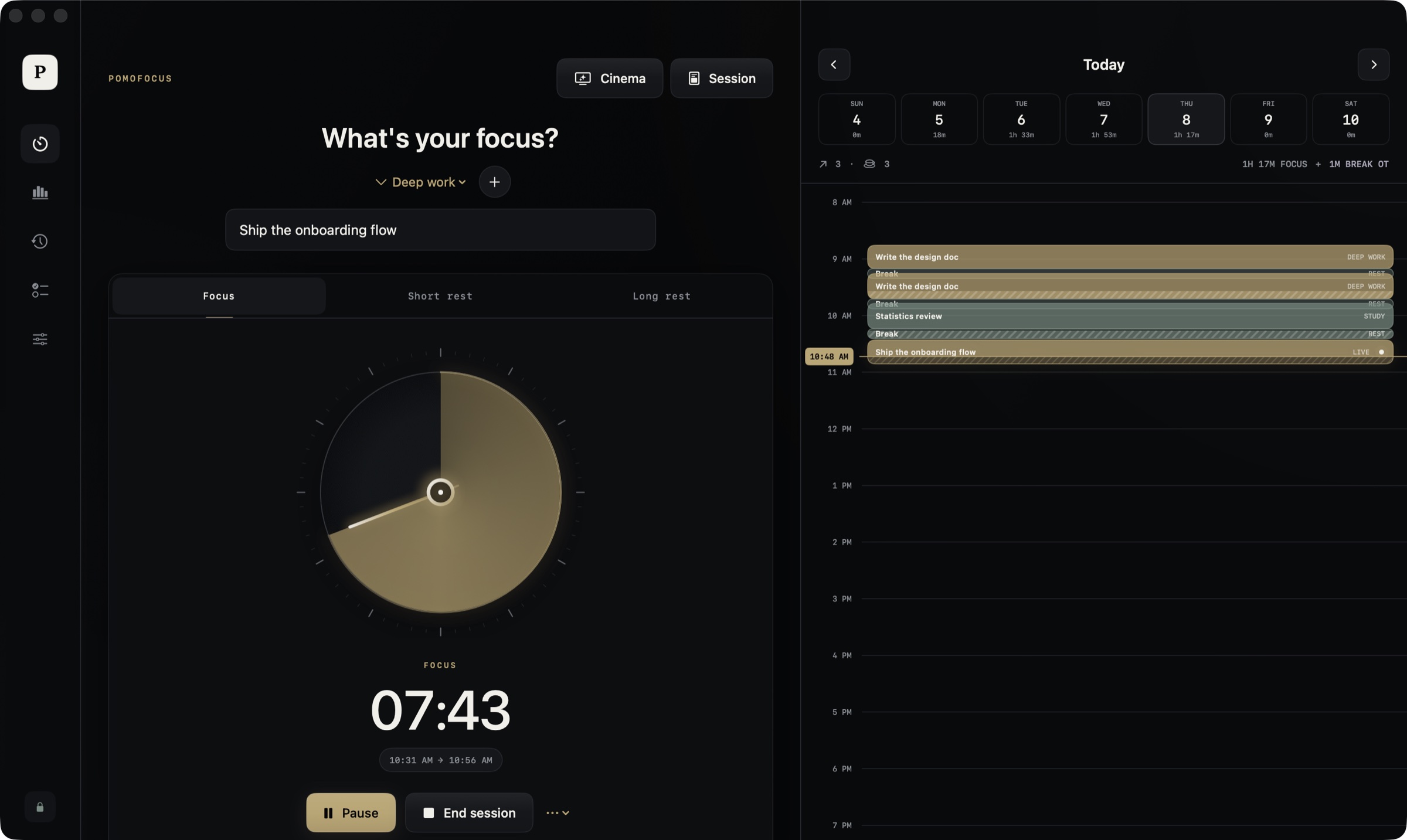
No accounts. No tracking. No noise. Just a [timer that respects your attention,] the rhythm of real breaks, and a quiet record of the [work you're proud of.]
Your timer, as a screensaver.
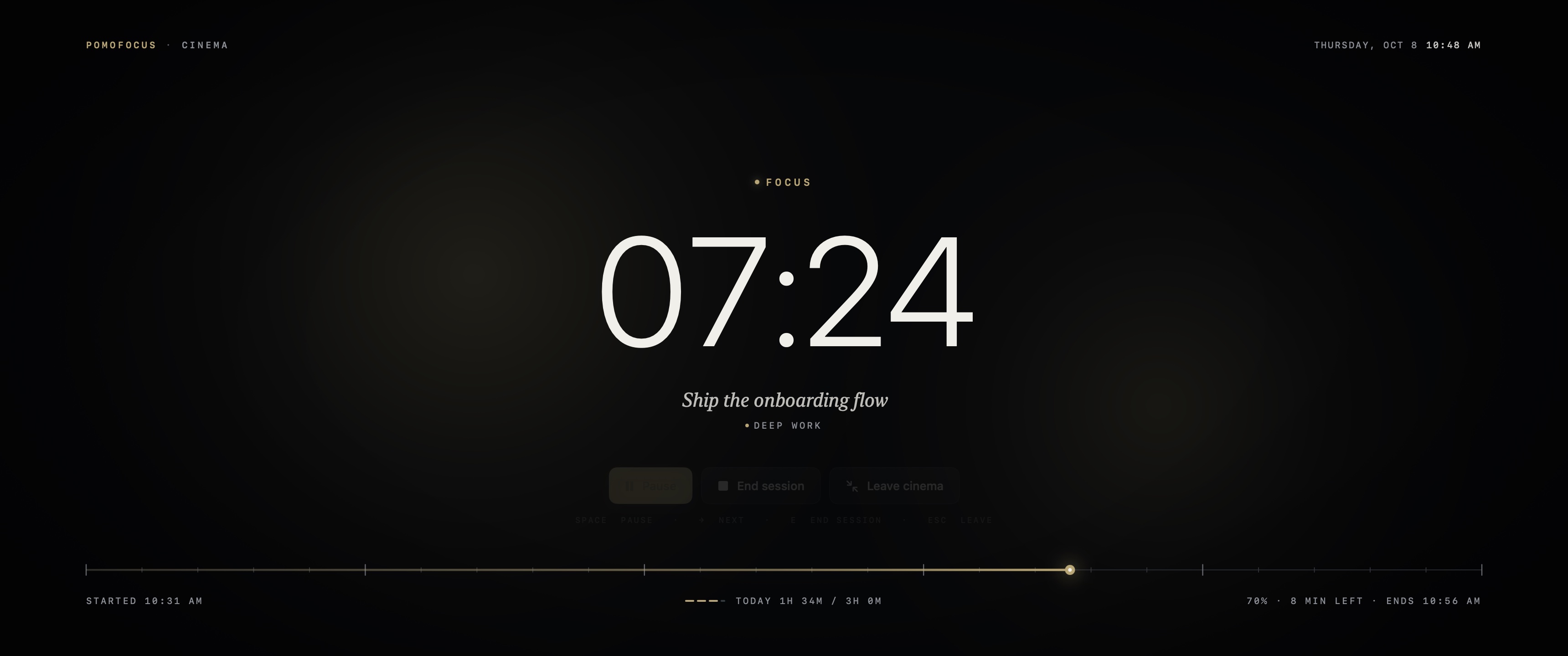
Thin rolling digits, the dial unrolled into a minute tape, and light drifting slowly behind it. Read a book with one eye on the clock.
Everything a focus ritual needs, and nothing it doesn't.
A tiny focus tank that drains as you work, breathes with you, turns green on breaks and blinks red in overtime.
It redraws only as often as the hand moves, about twice a second.
Small, medium and large, each with a live countdown.
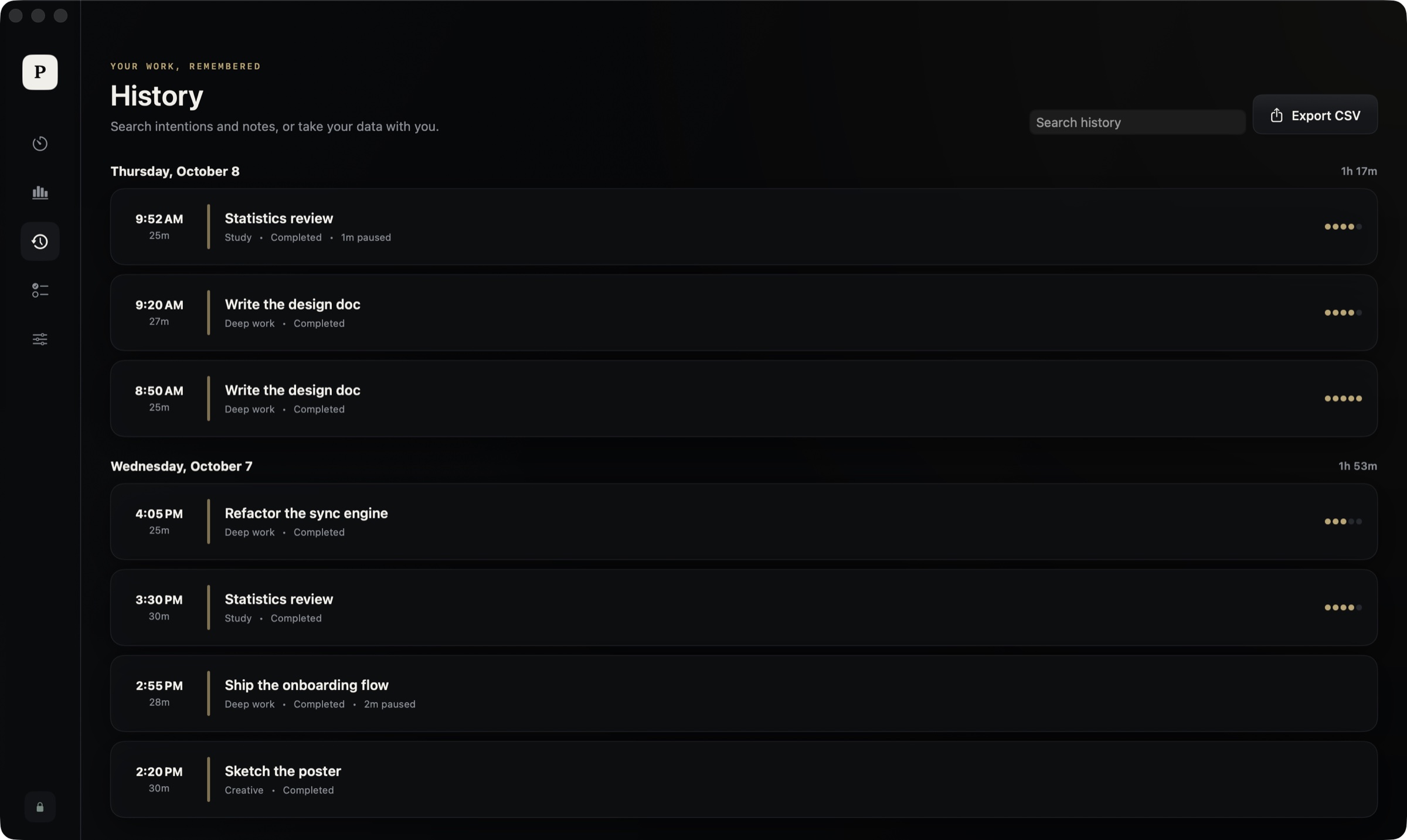
Streaks, heatmaps and 90-day trends, computed locally.
End a whole sitting without losing a second you tracked. Abandon always asks first.
No account, no telemetry, no network code. Your history is one human-readable JSON file you can open, back up or delete.
Single pomodoros pass quietly. When you end the whole sitting, confetti fills your screen and every block you finished is laid out in front of you.
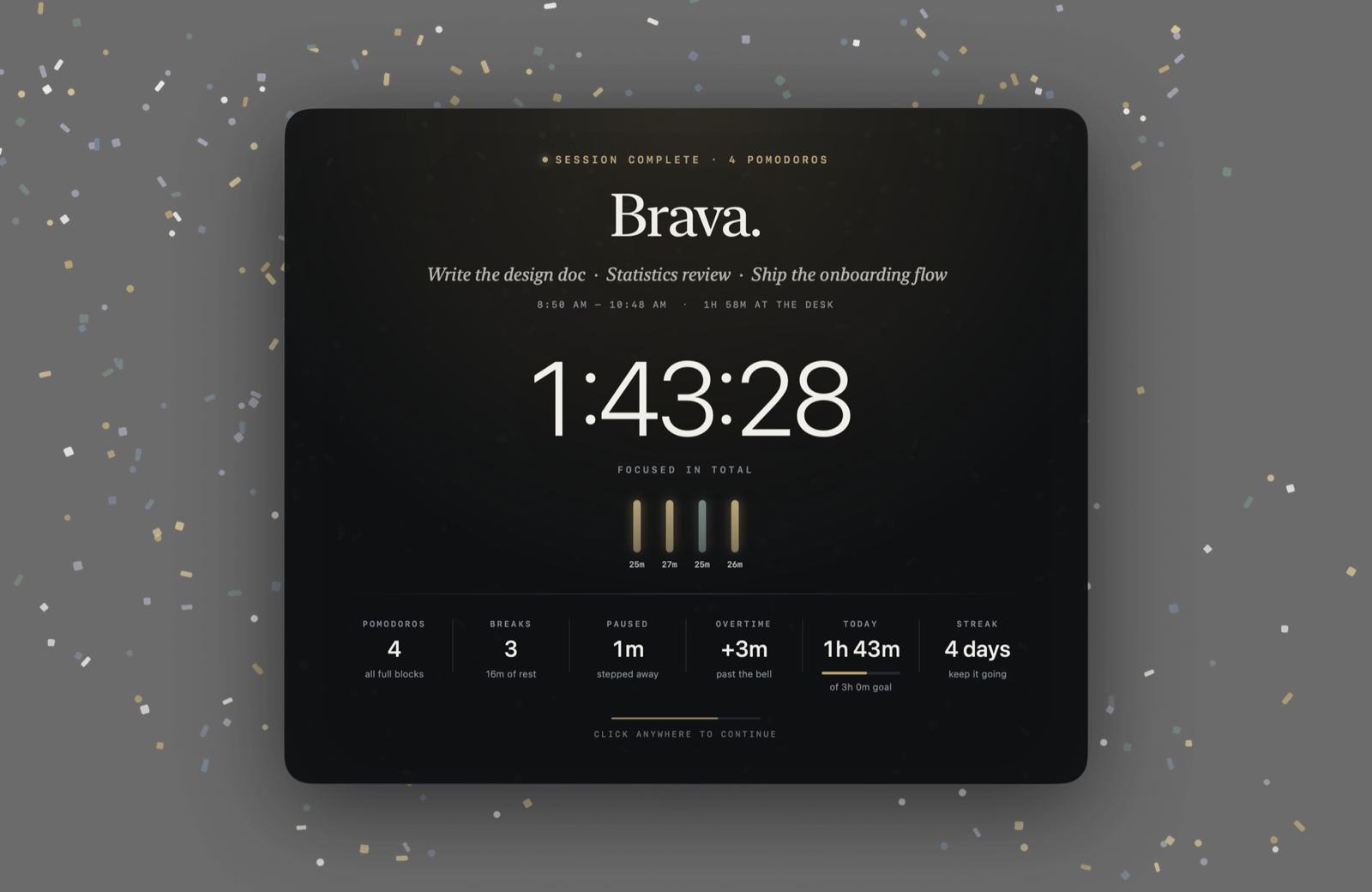
Every animation takes the cheapest path macOS offers. Your battery will barely notice.
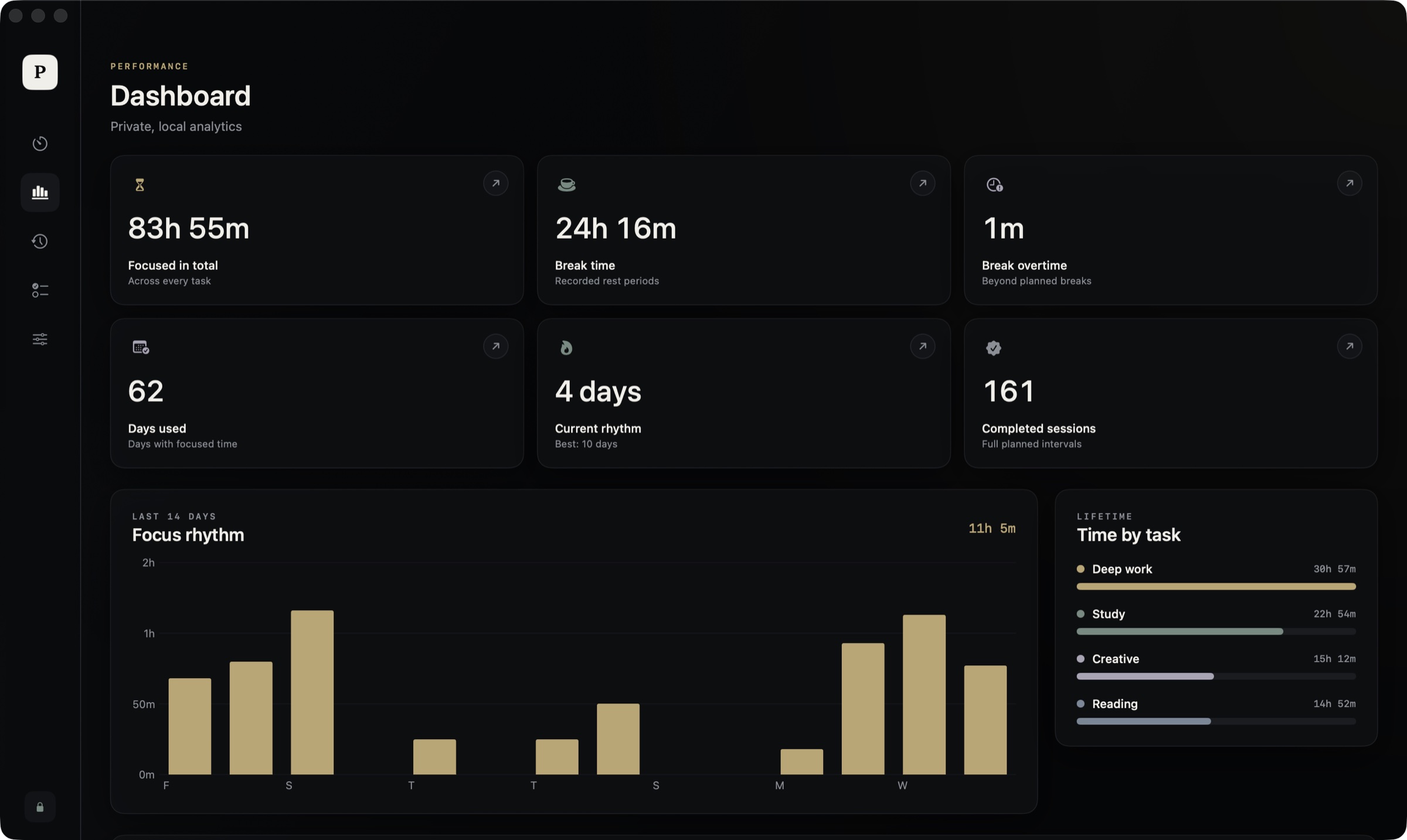
One meaningful thing at a time.
Get Pomofocus.zip and unzip it.
Drag Pomofocus into your Applications folder.
This build isn't notarized by Apple, so allow it under System Settings → Privacy & Security → Open Anyway, or run:
xattr -dr com.apple.quarantine /Applications/Pomofocus.app